Top 4 Google Ads Problems and Solutions
If Google Ads is something you’ve been considering, or you’re maybe thinking about bringing in-house, I imagine you’ve done some research online already. You’ve probably come across discussions about some of the problems associated with Google Ads.
I’ve worked in Google Ads for a long time and have been faced with many campaign challenges over the years. In this article I’m going to cover 4 frequent problems that can occur with Google Ads campaigns, their possible causes and the best way to approach them.
Proper research, analysis, and planning can help avoid the problems I’m going to talk about with Google Ads.
Working on numerous Google Ads campaigns in various markets and receiving support from Google’s account strategists (some good and some bad), has provided me with a well-rounded perspective on launching successful ad campaigns that can run for different durations.
My 10+ years of Google Ads experience lends itself well to troubleshooting unexpected complications, sudden changes, and strong advantages that can be lost or gained through a campaign’s creation, launch and running performance.
I share this knowledge with you in the hope that you’re less likely to end up launching a campaign that flops, or have a great performing campaign turn sour and find yourself in a forum somewhere begging for help.
The Most Common Google Ads Problems and Solutions
The solutions I’ve provided below are based on your website and landing pages being free from errors and issues, such as insufficient hosting resources, broken links, slow page load times and device display problems amongst other obvious problems.
Always check for these first before jumping into Google Ads and making changes when a campaign slides out.
- Lack of, or downshift, in conversion volume (most common solution: new ad content and grouping)
- Low or lost return on ad spend (most common solution: Adjust audience targeting)
- Lack of, or lost, ad impression share (most common solution: adjust cost-per-acquisition target and budget)
- Low, or decline, in ad clicks (most common solution: Adjust keywords and bids, new ad content)
Problem #1: Fix a Lack of, or Decline, in Google Ads Conversions
There are two scenarios.
The first is a Google Ads campaign that has been running for 3 months or longer, the second is a new campaign that’s just been launched.
The reality is that in most cases people always rush to the Google Ads account first, make changes and then see no uplift, only to discover afterwards that the issue never was in Google Ads.
The worst part is they’ve disrupted what was a perfectly good campaign and will have to spend a lot of time un-doing all their changes and earning back their advertiser ranking with Google, which can take time.
The best approach is to first create a comprehensive list of website visitor test scenarios and check them all on mobile and desktop, as an issue might only be present in one of these formats.
Test your website on both mobile data and Wi-Fi to identify page loading errors. Make sure your website hosting is not maxing out or experiencing downtime. These tests can help confirm any issues and prevent a failed Google Ads campaign.
If after you run your website and host test scenarios you find no issues, then it’s safe to review the Google Ads campaign itself.
You should check your Google Merchant Centre as a first Google Ads step, make sure it flags no errors or disapprovals. Is it making feed recommendations? If it is then get started on those first, ahead of making changes to the campaign in question itself.
What’s the Google Ads Solution?
The reality is that existing campaigns that have been running for a while are going to need changes and updates from time to time, for one reason or another.
For new campaigns, also consider that Google can take a little while to understand your service or product and what you’re trying to achieve through your campaign configuration.
To lower the risk of making changes in either that have little or no effect, you should look for two things: your ad rank scores and your ad grouping.
Ad Rank Scores
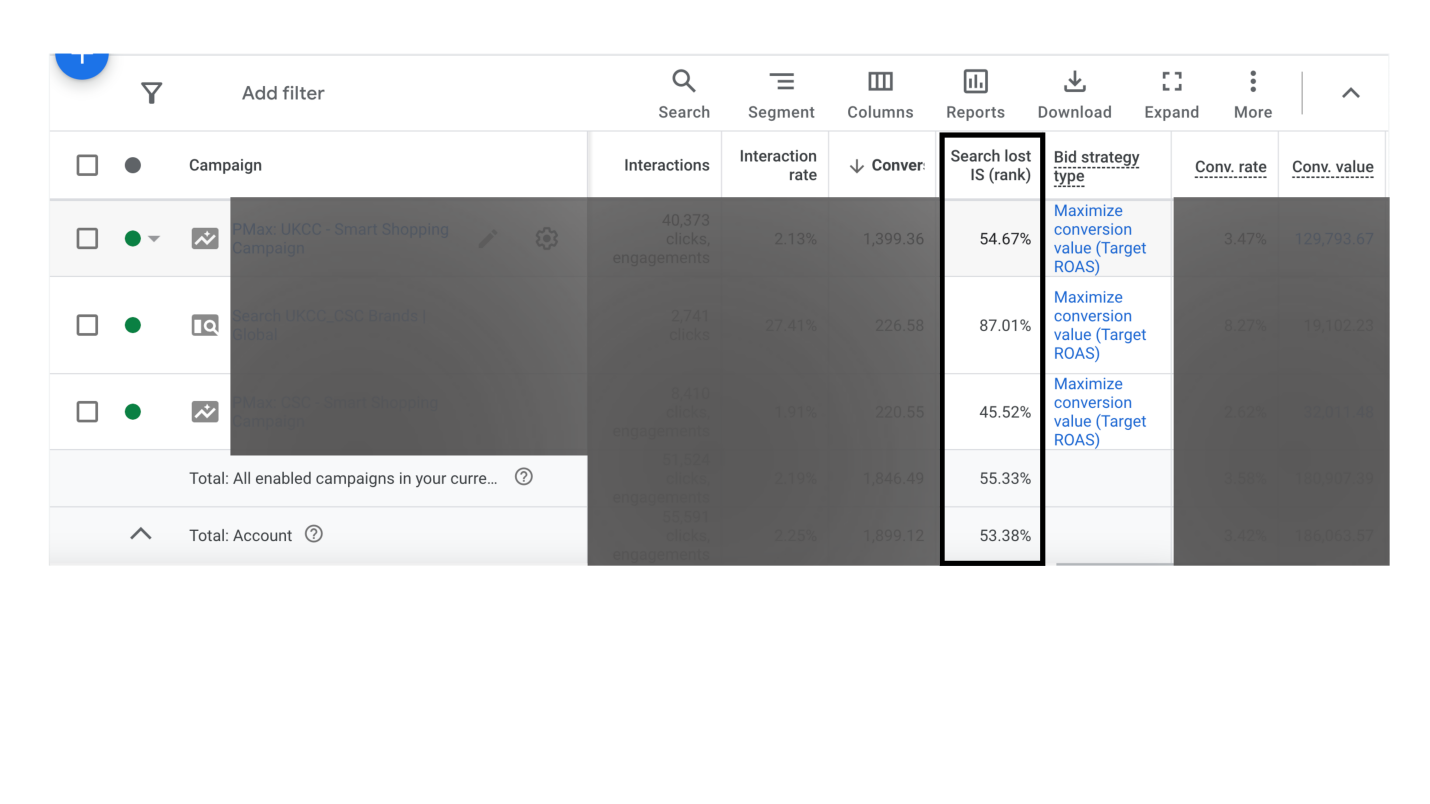
If this is low, then you most certainly need to update your ad content as this is one of the big factors to gaining ranking position.
You can easily add ad rank score as a column into your Google Ads dashboard, by selecting Search lost IS rank from the add columns option. Once applied, this will show you the percentage of impressions you lost due to your advertiser rank — simply put, if it’s low, update your ad content.
Challenge your ad content in this scenario; is it compelling enough, does it have direct congruence to the page you are sending visitors who click? It needs to be succinct and clear. Seriously don’t underestimate how important this Google Ads fundamental is to your success.
Ad Grouping
You might have one ad variant or product SKU in the pack which is positively out-performing in the campaign’s group and stealing all the budget away from the others, which given a chance would all perform well.
If you are running a Google Ads Performance Max (PMAX) campaign, it could be that a particular asset group, product or service has suddenly got some performance traction.
This can often result in the out-performer taking all the budget you’ve given the campaign.
If you find this in your scenario you should transfer the other under-performing assets into a new campaign on their own, leaving just the top performer in the legacy campaign with its own budget.
Google Search campaigns can suffer a similar issue to PMAX. However, it’s usually keyword driven, but can also be ad content.
You’ll need to review and cross-compare your ad performance collectively, looking for any variants that need to be separated from the main pack.
Remember to move the lower performers not the top performers, to avoid the risk of losing any established success the top performers have earned.
Keywords are easy to review in Google Ads, and you can quickly see which ones are getting the most conversions, best return-on-ad-spend (ROAS) and the best click through. The running theme in this solution remains — any positive out-performers need separating from the rest of the pack.
With all the above said, it’s inevitable that you will need to pay attention to Google’s recommendations, which they serve up in your main account. Review them all carefully, as they can also help you understand what to adjust to get things working.
Problem: Lack of, or downshift in conversion volume
Solution: Improved ad content and grouping
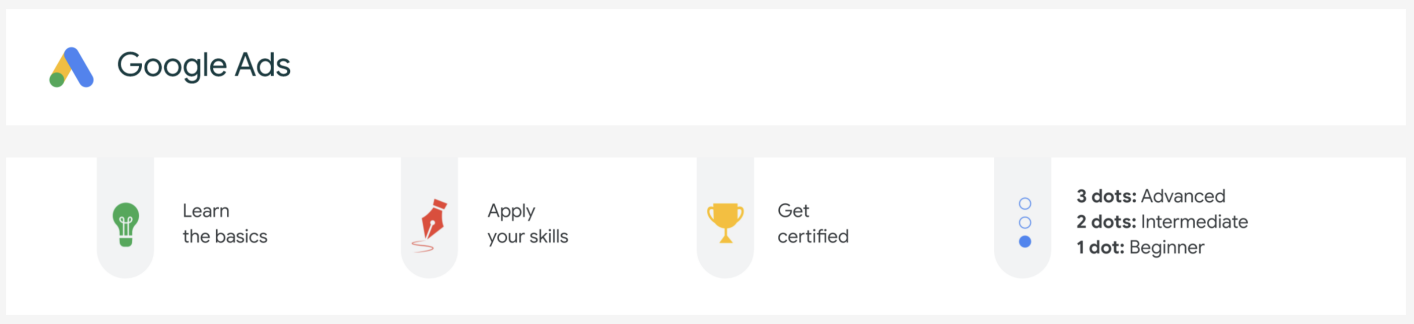
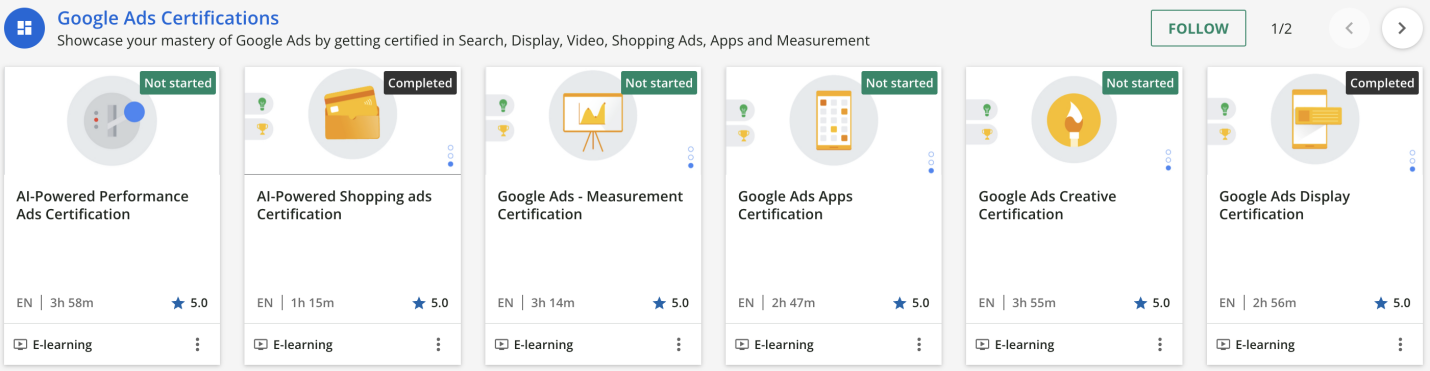
Resource: New to Google Ads and want to get started on your Google Ads project now?
Check out Google’s very own online free Google Ads Skillshop training.
Problem #2: Low, or Decline, in Return-on-Ad-Spend (ROAS)
I have some good news and bad news about ROAS decline if your campaign has previously performed well.
The bad news: You need to update your audience targeting, which will need you to invest some serious time.
The good news: You’re having to change audience targeting as you’ve been smashing it doing a great job — so great you’ve exhausted your audience and need to reach out to an updated one.
Check your offer, service, and price if your new campaign isn’t achieving good ROAS. If you are confident that these are okay, and your website performance is good, then you need to re-visit your audience targeting and adjust who’s seeing your ads.
Audience targeting is one of the most important factors to succeeding in online advertising. Get it wrong or underestimate it at your own peril.
You can have the best offer, price, service and website, but if your ad impressions are shown to people who aren’t in the market for what you’ve got, they won’t click. If they do click, they most likely won’t have the intent you want when they arrive.
Take your time on this part when you set up a new campaign — it’s one of the areas I’ve always invested the most time in when setting up a campaign or updating an existing campaign.
Use Google’s own in-market targeting combined with your own data, like people who have purchased from you previously and especially your own Google Analytics (GA4) data.
- What causes low or declining ROAS
- What can you do to prevent it?
ROAS drops in Google Ads are often due to wrong audience targeting, showing ads to those not interested. It may be caused by audience burnout or setup errors, leading to ineffective campaigns.
I’ve seen many good-looking ad campaigns that were simply built with poor audience targeting and couldn’t get in front of the right audiences. They were unable to get the ROAS needed; had to be re-worked and in some cases binned off.
I’ve also seen campaigns that were built by advertisers with excellent audience targeting and subsequently got great ROAS, but they weren’t managed properly in their audience targeting and ended up losing it all.
Critically, set up is where the most common human error leads to unacceptable ROAS.
Audience targeting can sometimes be too restrictive, especially when using demographic and affinity/in-market audiences in the same campaign. This can limit where Google shows your ads, leading to low or declining ROAS.
To improve performance, advertisers often need to continuously review and update the audiences they are targeting. Adding new audiences to a struggling campaign can help improve ROAS, but it may also lead to further declines if not carefully managed.
It’s also true that some advertisers simply don’t build good campaigns. This can lead to extreme efforts needed to make a poor campaign good, more often than not resulting in starting again.
Another cause of poor ROAS can stem from the lack of qualified research and analysis completed prior to any work being started in Google Ads itself.
What is the Solution?
Find someone that takes time to do qualified research and analysis, while considering all the touchpoints where you have data already which can be leveraged into your campaigns.
Also find a reputable advertiser who will configure audience targeting properly and implement it with care.
Problem: Low, or decline, in Return on Ad Spend (ROAS)
Solution: Invest time in configuring audience targeting and review it regularly
Problem #3: Low or Lost Ad Impression Share
Experiencing low or lost impression share on Google Ads is common, even for experienced advertisers.
Imagine having a successful campaign suddenly losing traction or putting in countless hours perfecting a campaign only to see no ad impressions.
This can be due to bidding and budget configurations, as your ad competes in auctions against other determined advertisers.
Simply setting a high CPA or CPC won’t guarantee success, as the auction process considers various factors in its ranking decisions. Striking the right balance is crucial, especially in competitive markets, to avoid penalisation.
It’s important to carefully consider your bidding strategy and not solely rely on outbidding competitors to ensure success in Google Ads. Advertisers must understand the complexities of the auction process and make informed decisions to optimize their ad performance.
Even in tough market conditions, Google Ad campaigns still offer excellent opportunities. By adjusting bidding configurations with bid modifiers, particularly for mobile devices, you can adapt to changing conditions and maximise returns. Bid modifiers allow you to grant Google additional bidding power based on specific variables that are likely to result in conversions.
Sometimes it’s good to trust the automation features on offer from Google Ads with bidding, where you hand control to them. Be careful here — it’s not always the best move. If you’re considering this you should run a split test, like I mentioned earlier in the article.
Literally, thousands of Google Ads campaigns have automation features in place without incident, but when the right, or wrong, circumstances align, it can leave you stranded or just as bad, paying too much.
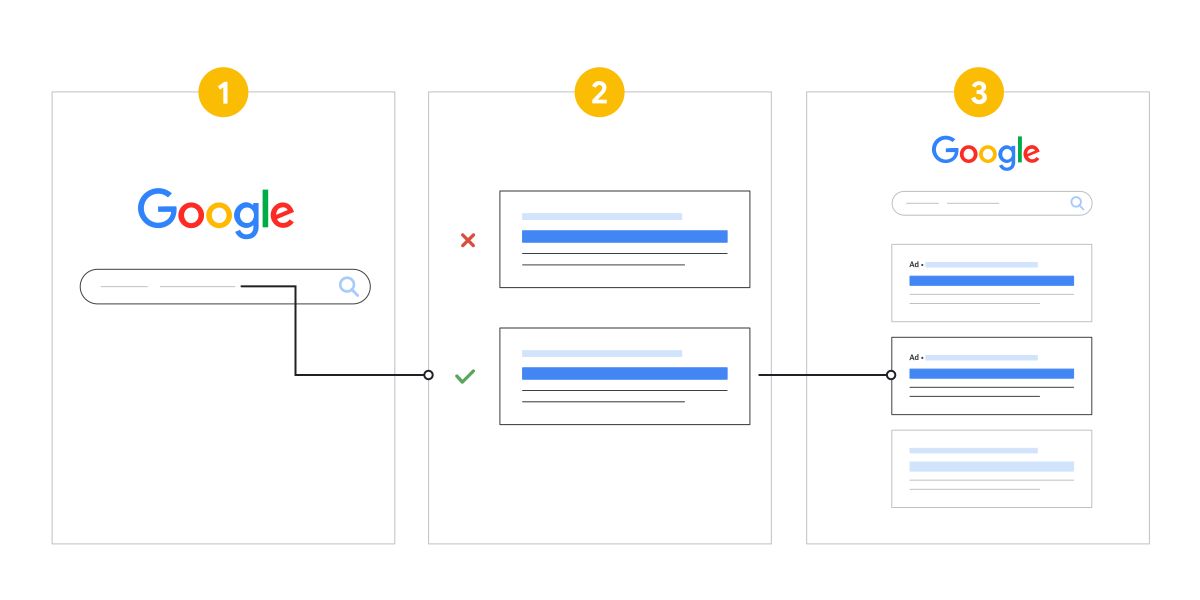
Structured Google Ads account with themed campaigns split by performance levels can help manage lost impressions. Separate super-hot sellers into their own campaign. Use portfolio budget to stabilize losses in affected campaigns while catching up.
With all of this considered does it mean it’s too time-consuming to manage bidding in a Google Ads campaign? Quite the opposite — I would say it’s one of the best investments in your time, as it means your product or service is in demand, and you need to be winning bids.
Nonetheless, the following three bidding features will reduce the chances of your campaign losing impressions in the first place:
- Portfolio budgets: Many advertisers overlook the power of using this feature, which means nothing can pick up the slack when the campaign starts struggling.
- Bid modifiers: The correct monitoring and configuration of these modifiers for different devices will produce a stronger ROAS.
- Bid adjustments: This feature supports products and services that sell in changing markets — maybe it’s seasonality, maybe it’s a sudden PR article. Whatever the reason, having these in place and set correctly could save your bacon just when you need it.
What’s the Bidding and Budget Solution?
On the bidding side, the one thing you certainly can control is what you are prepared to pay for a click or conversion. From my experience, using a flexible approach so your bids and budgets can stretch when they need to is the only insurance against sudden changes in your market conditions where everything else is in good shape.
Creating portfolio budgets for specific product or service categories is crucial. Utilize bid modifiers for popular devices based on Google Analytics data for optimal results. Adjust bids for top performing campaigns to maximize success.
While perfecting bidding strategies may take time, the benefits outweigh the effort.
Investing in bidding optimization offers peace of mind and significant advantages that are well worth the cost.
Problem: Lack of, or lost, ad impression share
Solution: Adjust bidding configuration and budgets
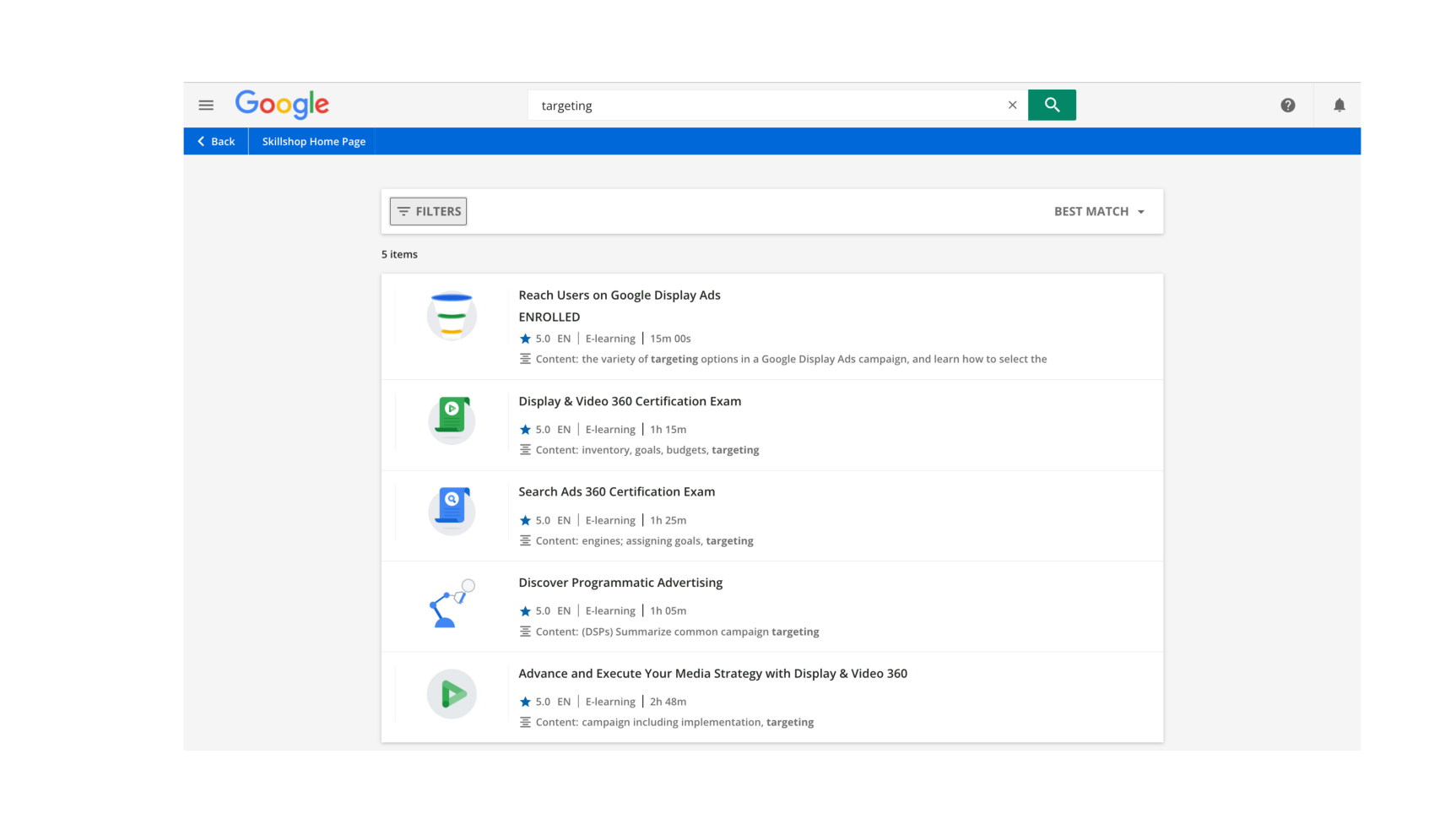
The best way to avoid these issues is to work with an experienced Google Ads advertiser, or insist your team completes the Google training modules to become certified. However, don’t be fooled by the fact someone is certified — nothing counts more than real physical experience of working in Google Ads for a decent period of time.
Problem #4: Low, or Decline, in Ad Clicks
Why would clicks be low? Good question…
This most certainly can be linked to losing impression shares, but many times this happens you’ll check your impressions, and they won’t be showing a decline. In some cases where click volume has dropped, they’ll be showing an increase.
In either of these scenarios — of an impression decline or increase — it’s a sure-fire way of suggesting that you have a quality issue in your ad impressions.
Clicks don’t just decline; mostly the keywords and ad content around the campaign are either not right, off trend or exhausted. We’re back to the keyword and content discussions again. This is good because these areas need focus.
Many times, despite an advertiser’s best efforts to set up keywords, ad content and web page content so it’s all relevant and has good congruence, the configuration auction placements are too competitive, and their campaign needs to be better established before positioning itself around higher volume more competitive auctions.
A good strategy here is to align around a combination of highest volume vs. lowest competition variants first, get ranking and then diligently migrate into the higher competition options. The adage of don’t run before you can walk is most prevalent in this scenario.
Let’s say you were running on high competition keyword variants for targeting, ad and page content, you were winning and getting a great ROAS, and then your performance starts falling away.
This is usually where your ad content needs attention as it’s been round the target audiences too many times, or a competitor has released a better variant than you.
Remember the landscape your ad runs in is forever changing, so you need to move with the changing times.
Equally, your ad content might be fine, and it could be your keywords that need attention. Is there seasonality at play? Has a new competitor entered the market? Have you got the right bid strategy? All of these situations can drastically affect keyword demand and push up cost per click.
As you can see, the landscape can change, so make sure you change with it.
What’s the Solution?
Consistent analysis and optimization can be a scary thought! I always want to avoid any uncertainty and do so by using paid-for software that takes on some of the heavy lifting, by flagging anything around keywords or content that needs tweaking.
It’s worth doing some research into software you can use to help you — or ask whoever is running your ads what they use and apply to the analysis and optimisation of your Google Ads campaigns.
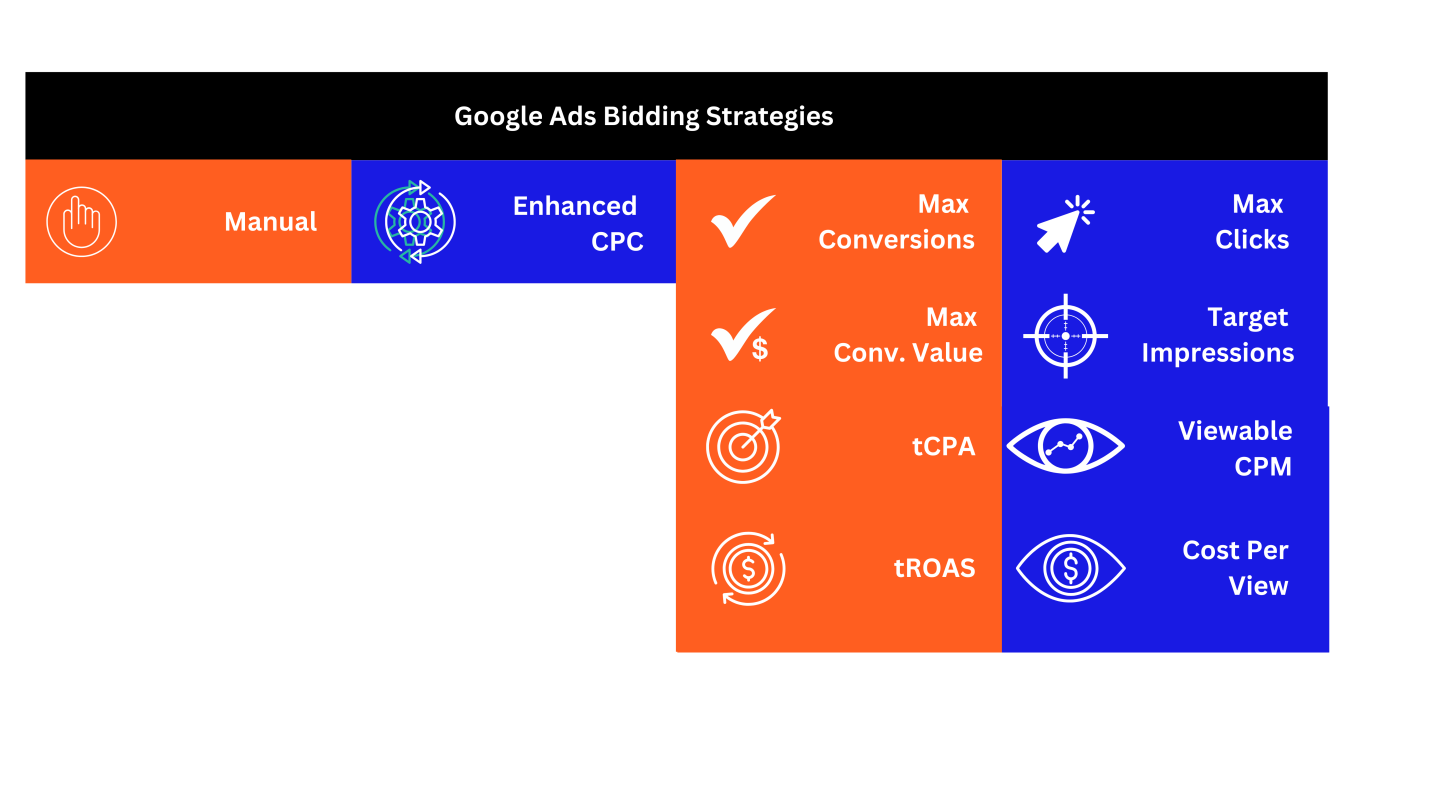
Problem: Low, or decline, in ad clicks
Solution: Ad content and keyword analysis and optimisation
In Conclusion
It’s no surprise that there are legitimate solutions to the top 4 problems associated with Google Ads. I’ve scrutinised many ads, campaigns and advertisers in my time working in Google Ads to eliminate any potential problems and make life easier for everyone.
You want to maximise the opportunity Google Ads can bring, and we want to help you achieve just that.
For more guidance and help, we recommend completing the Google Ads Skillshop training modules.
You can also book a 30-minute free, no-obligation consultation with us by clicking the calendar link below and selecting a day and time that is convenient for you.
Want more help and guidance with Google Ads? Book in a free 30min consultation with us now! Help, guidance, recommendations and more.